Standard workflow
Use the standard workflow when the deployment does not require predefined network, time zone, Autopilot, machine naming, or Windows OOBE behavior.
Use this workflow when
- Create boot media without configuring every advanced setting.
- Keep the workstation workflow short.
- Let runtime decisions happen later in Foundry Connect and Foundry Deploy.
Workflow
- Open Foundry OSD on the admin workstation.
- Resolve any ADK banner before continuing.
- Select the output path:
- ISO
- USB
- Select the target architecture.
- Select the WinPE language.
- Select the WinPE driver vendors to include.
- Create the media.
- Boot the target device from the media.
- Let the bootstrap open Foundry Connect and validate networking.
- Let the bootstrap open Foundry Deploy, then run the deployment workflow.
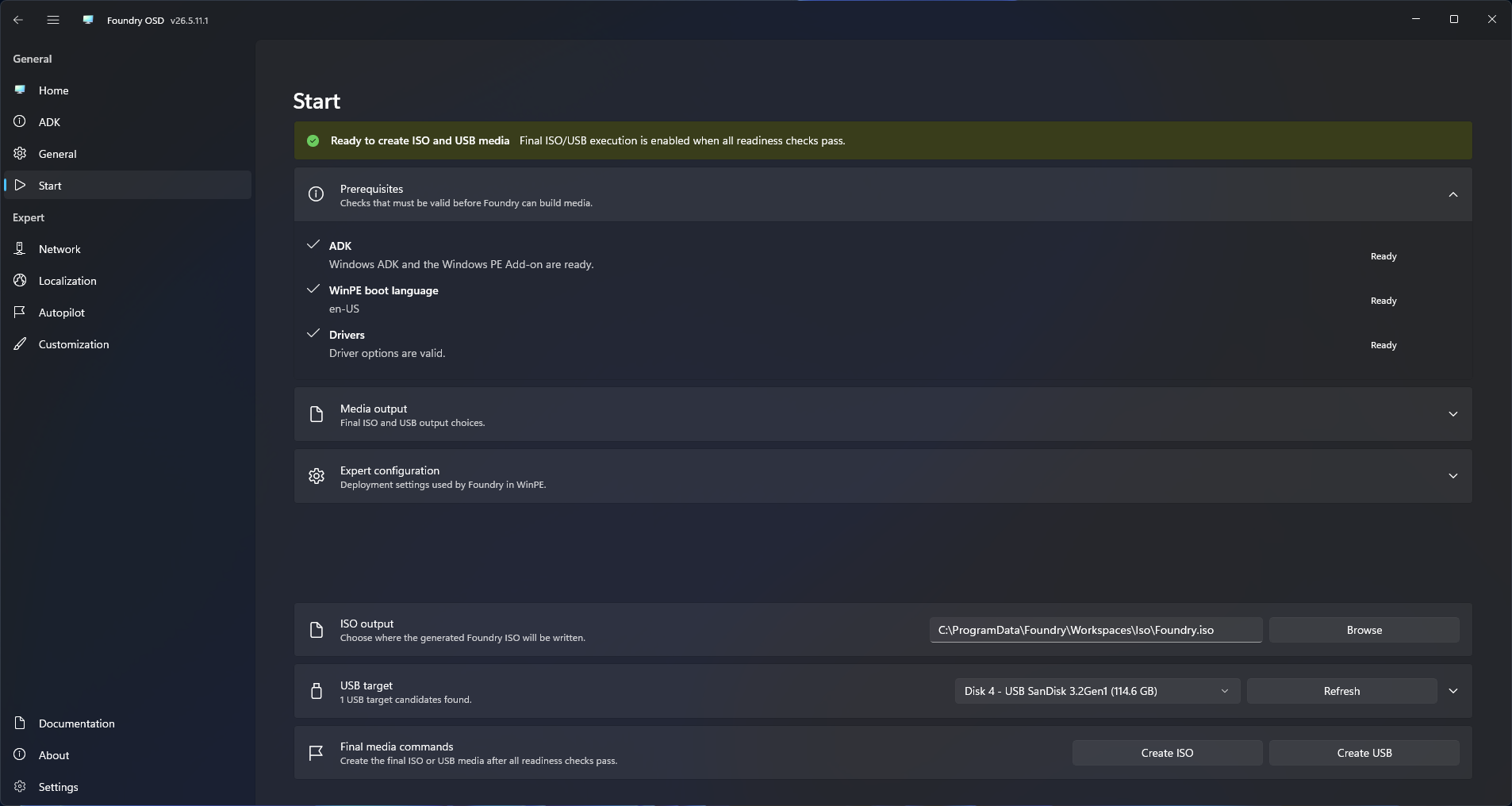
Stay in standard mode by default
Standard mode is the right path when operators can make deployment choices at runtime.
Switch to expert mode only when the media should carry predefined settings for:
- Wired 802.1X
- Wi-Fi
- Deployment time zone
- Autopilot
- Machine naming
- Windows OOBE defaults
What standard mode still prepares
Even without expert configuration, Foundry OSD still:
- Checks ADK readiness.
- Builds the WinPE workspace.
- Injects selected WinPE drivers.
- Provisions Foundry Connect with the boot image.
- Prepares the bootstrap path that resolves Foundry Deploy later in WinPE.
Next steps
- Open Media Creation for ISO and USB details.
- Review the Expert Mode section for predefined deployment settings.
- Open Quick Start for the shortest end-to-end guide.